
MADE AROUND YOUR PRODUCT
A product.
A reason to watch.
Build a product story with a clear opening, real demonstrations and useful details. Start with where you’ll share it.
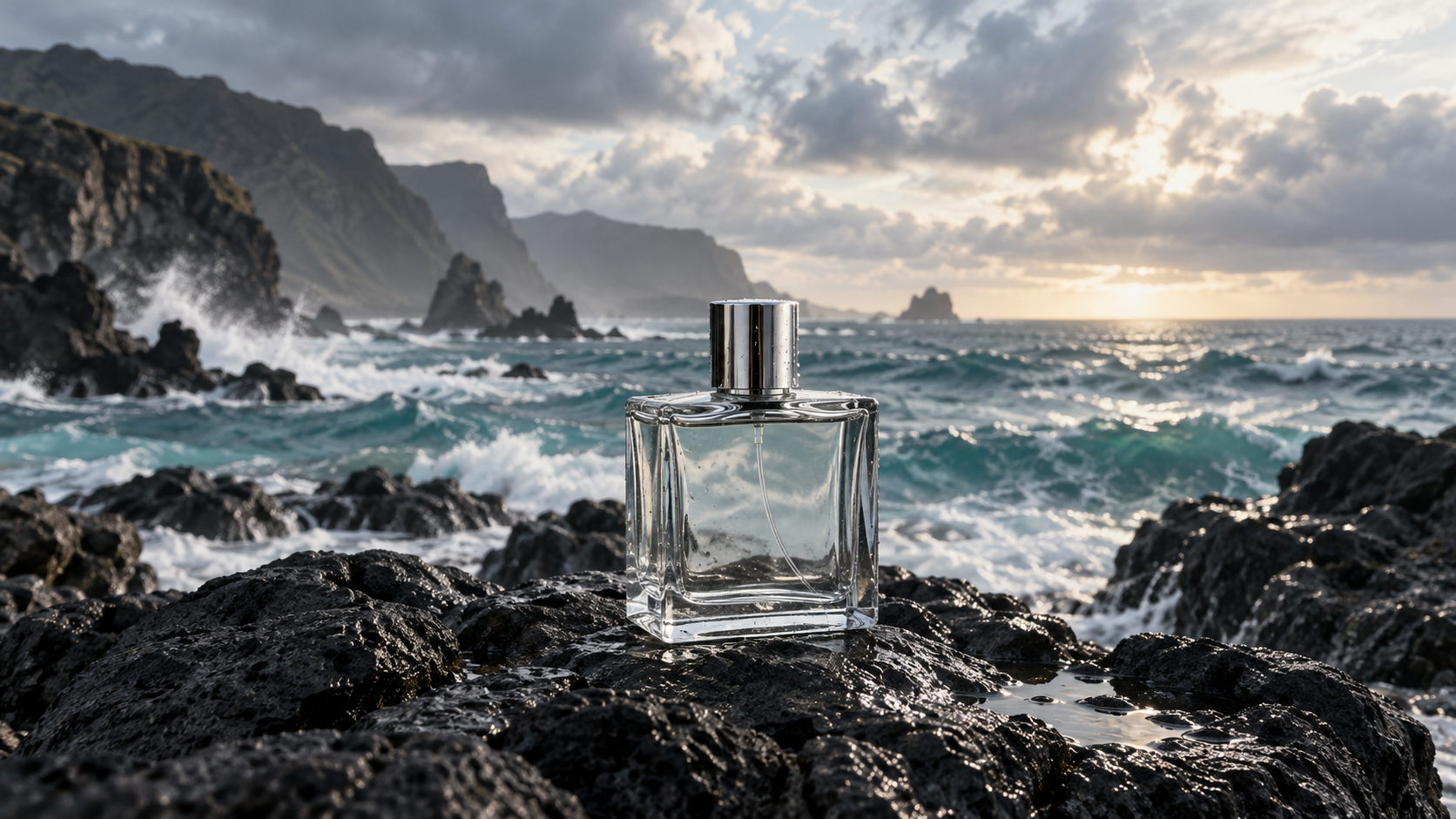
to a whole story.
02 / THE DETAILSVisual direction only · original demonstration footage needed
Try the product-film workflow
Add your product, explore a direction and edit a shot plan. AI generation is not connected; no credits are charged.
Every entry includes a shot plan and a footage checklist. Covers illustrate the direction, not a generated result.
E-commerce 06
Help a shopper see the product, understand it, and choose.
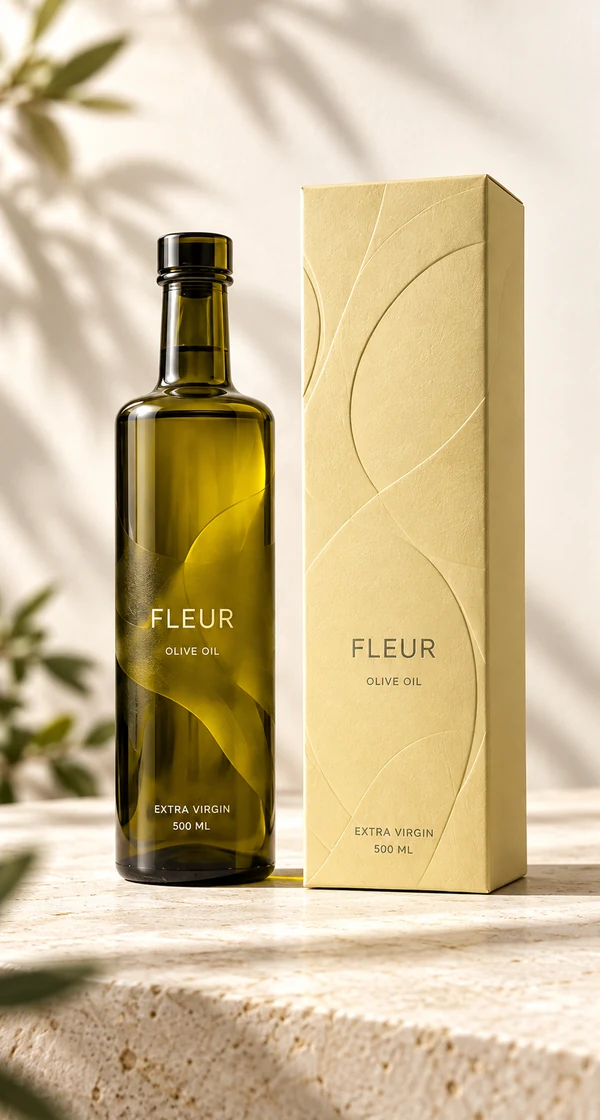 Amazon
Product detail video
Answer the questions a shopper cannot resolve from a photo.
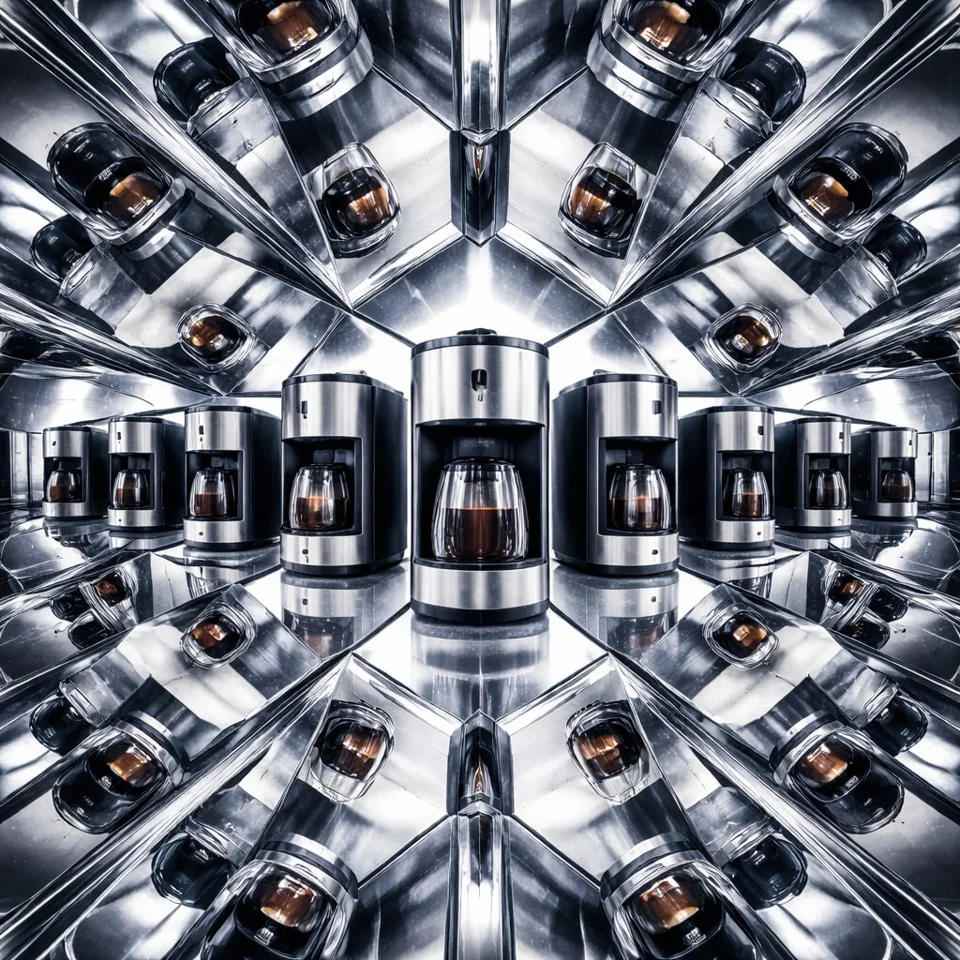 Product
Show how it works
One task. A real demonstration. A visible result.
ProductUnboxing & details
Show exactly what arrives and what it feels like up close.
ProductThe product in daily life
Show where the product fits into a real day.
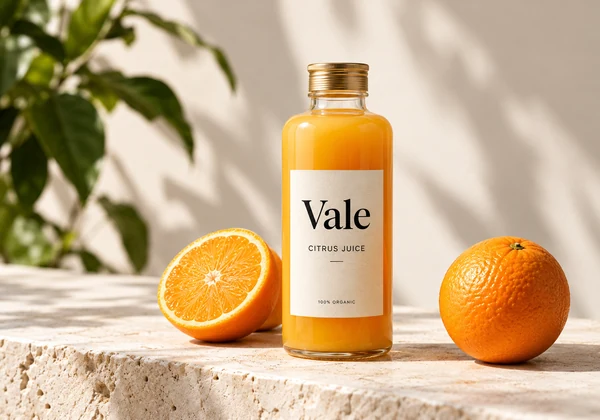 Shopify
A story for your storefront
Connect the product, its purpose and the details behind it.
 Etsy
Craft & personalization
Let buyers see the making, texture and personal touches.
Social media 09
Start with the platform, then the story you want to tell.
TikTok ShopProblem → demo → proof
Open with a familiar problem. Let the product do the talking.
TikTokCreator-led product story
Plan an honest creator opening, hands-on demo and invitation.
InstagramA visual product story
Connect your strongest moments into one visual story.
InstagramA story worth sharing
One update, one detail, one next step.
 YouTube
Teach one useful thing
Show the result, the steps and how to get it right.
FacebookA practical product demo
Explain a useful product through actual use and clear captions.
LinkedInShow your product update
Make the change concrete with a real walkthrough.
小红书An honest hands-on note
Explain who it suits, with real experience and useful details.
抖音A product in action
Use a recognizable task and show the actual result.
Ads & campaigns 04
Build a message around a specific placement and campaign.
Sponsored ProductsOne feature, shown clearly
Show a feature in use, understandable without sound.
Sponsored BrandsIntroduce the product & brand
Show the product early and support one reason to choose it.
 Campaign
Meet your next release
Reveal the product, demonstrate the change, state availability.
 Campaign
Give the offer context
Pair the offer with products, dates and clear terms.
Explain & teach 02
Show a process, explain an idea, or walk through a feature.

Choose the placement
A product listing and a social feed need different stories.
Make the shots concrete
Connect each benefit to footage that supports it.
Edit, review, export
Use your footage in an editable timeline and review the result.
BEFORE YOU START
A few useful answers.
Can I make a sales video from one photo?
A photo can be used for a product opening or a detail shot. It cannot demonstrate real use, prove a result or replace creator footage. The workflow marks the shots that need real video before you move to editing.
How are Amazon and TikTok different?
TikTok product demos organize an opening, demonstration, proof and next step. Amazon listing videos answer product questions. Sponsored Products and Sponsored Brands have separate workflows because their placements and rules differ.
Is this one-click AI generation?
These workflows prepare editable shot plans and assemble your supplied footage. AI video generation is not enabled here. Optional generation tools have their own availability and quotes; a photo animation is only a clip.
What is free and what costs credits?
Browsing, planning and downloading a shot list are free. Saving a project requires sign-in. Video export shows a credit quote in the editor before you confirm. Nothing on this page starts a model request.
Will the video bring sales?
No template can promise sales. Start with truthful product demonstrations, then test the opening and message against actual viewing, click and conversion data. The covers shown here are illustrations, not performance case studies.